I want to say something about the old-new Magnet PRO. It's brilliant! I can see how far a coin will go and where it will bounce. A real miracle! Thank you so much!
Translated from Russian
UpDown turns analysis into one system: context → zones → reaction → scenario → risk. TradingView indicators, Telegram signals and education from practicing traders.
More about the free start →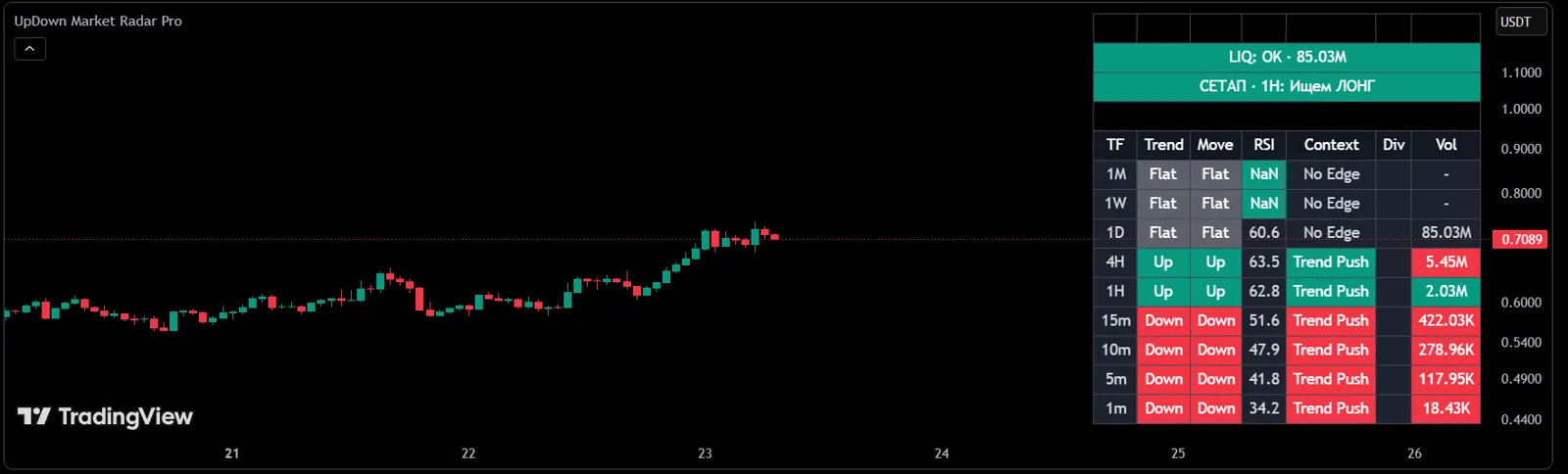
Create an account and get access right away. No card or payment required.
TradingView indicator that maps the areas of market interest above and below the price.
Signal service: entry zone, targets and protective level for every trade idea.
A regular market brief in Telegram.
Magnet Pro is enabled in TradingView by our team manually, usually within one hour.
Each step answers its own question. Start with the first one and add tools as you grow.
What the asset is doing on every timeframe
Where price may react
Whether money backs the move or it is a trap
Entry zone, targets and protective level on Telegram
The SK TRADE method and reviews from our traders
Indicators, signals and reviews in one plan
A demonstration of the indicator's logic on live Binance data: logarithmic Fibonacci grid, Key Level, entry zones and trade plan. The full version runs in TradingView.
Multi-stage indicator: structure analysis → Key Level → logarithmic Fibonacci grid → Confluence → Pump detector → Trigger → automated trade plan.
Full version runs exclusively in TradingView (Pine Script v6). Connect to your account — works on any instrument and timeframe.
// UpDown Fib Pro
indicator("UpDown Fib Pro", overlay=true)
// Stage 1: UP/DOWN structural legs
// Stage 2: KL — GREEN→RED pair activation
// Stage 3: log Fib -0.157 … 3.414
// Stage 7: Entry 1-4 / SL / TP1-2 plan
Pine Script™ is a trademark of TradingView, Inc.
Just your email and a code from the message. No card, no payment.
Add your TradingView username and we enable the indicator for 7 days, usually within an hour.
Join UpDown Digest and the UpDown PRO channel right from your dashboard.
Keep what works for you: a plan or individual indicators and channels.
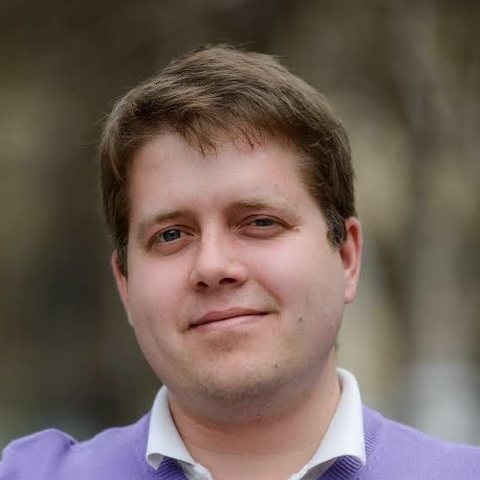
Trader, developer and author of the UpDown indicators. Brings scattered analysis tools into a single system, from market context to a trade scenario. Runs the "UpDown Trading System: from context to trade" program. Together with Ivan and Andrey, he is building the UpDown AI terminal.
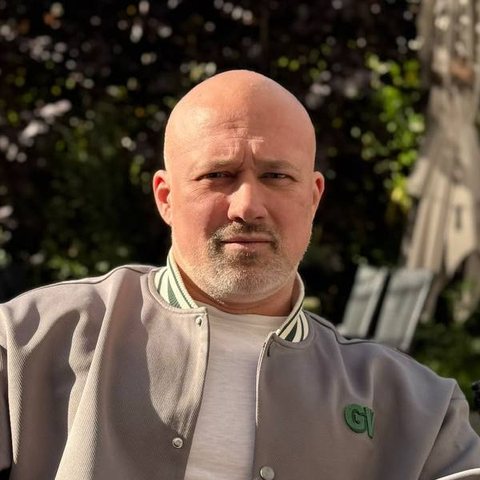
Author of the SK Trade method and the Fibonacci system that Fib Pro is built on. Teaches how to read price reaction in key areas rather than just draw levels. Runs the "UpDown Strategy" intensive and closed market reviews.

Fintech developer and platform architect. Built everything in UpDown related to data analysis, trading systems and AI, from AI analytics to the signal infrastructure and this website. Together with Dmitry and Andrey, he is building the UpDown AI terminal.
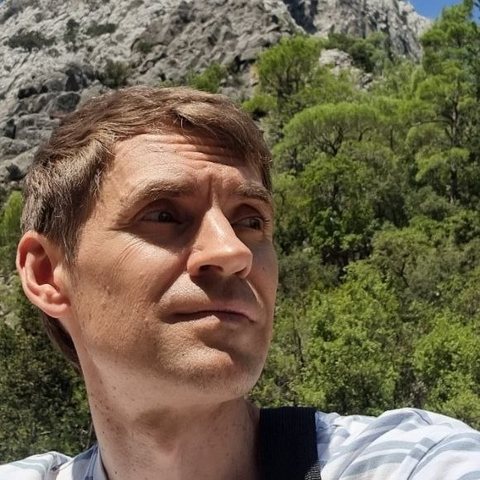
Looks at the market from the inside: order book, trade tape, liquidity. Runs the "UpDown Order Flow" program. Together with Dmitry and Ivan, he is developing a next-generation AI trading terminal.
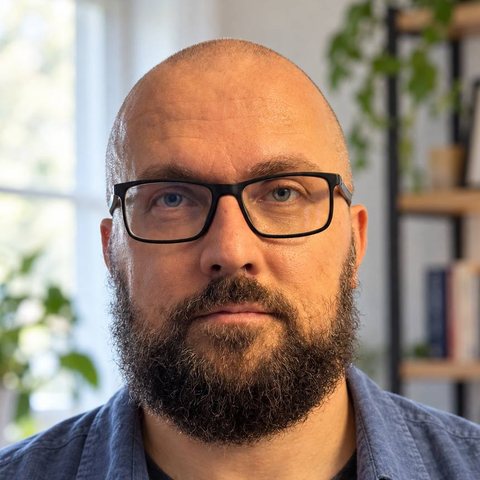
Makes sure UpDown reaches the people who need it. Trades himself, so he speaks the same language as traders.

Hosts UpDown market reviews and live sessions together with Nadezhda. Turns complex market ideas into short, clear videos for our social channels.
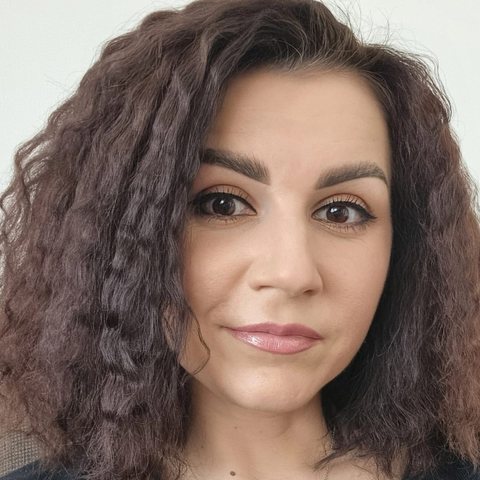
Went from UpDown student to review host. Leads PR and public communications, trades herself and hosts market reviews and live sessions with Olga. Explains complex things in plain language and keeps in touch with the community.
Or start free: 7 days of Magnet Pro and UpDown PRO after sign-up.
I want to say something about the old-new Magnet PRO. It's brilliant! I can see how far a coin will go and where it will bounce. A real miracle! Thank you so much!
My first day trading with the signals and the indicator, on a real account, not demo. Earning back the subscription in a day, from a single trade — I'm stunned! Huge thanks to the team.
The logic of price movement became much clearer, and 99% of the junk I used to jump into and lose on is gone. I have never seen the market this clearly — not since 2006.
Communities like this simply don't exist anywhere on social media, and I've been everywhere. You're the best, no flattery: professionals with big hearts and responsibility, not for hype but for people.
I strongly recommend taking the training and joining the UpDown platform. Thanks to UpDown indicators and the tool Sergey gives in his course, I entered with a limit order — while I slept it all played out, and in the morning I saw this profit.
At first I thought the course was too expensive, but now I don't think so at all — it was worth it. I finally understand how price moves. Sergey explains things really clearly and simply.
A platform for traders: TradingView indicators, Telegram signal channels and education from practicing traders. It all adds up to one analysis system.
With a free sign-up: you get Magnet Pro and the UpDown PRO channel for 7 days. Then look at Market Radar Pro — every analysis starts there.
Channels open right after payment via a personal link from your dashboard. Indicators are enabled manually for your TradingView username, usually within an hour.
No. The indicators work on a free account too. How many indicators you can keep on one chart depends on your TradingView plan.
No. Trading involves risk. We provide analysis tools and ideas with an entry zone, targets and a protective level; the decision and risk management are yours.
You pay in USDT in your dashboard. Refund terms are on the Refund policy page.
Franchise, White Label, revenue share — scale your business without building infrastructure from scratch.
Join the UpDown / AiView ecosystem and scale your trading business.