UpDown MM Target Pro
Targets after a strong move
For analyzing the market after a strong impulse. It highlights the significant zones and targets to build your next scenario around.
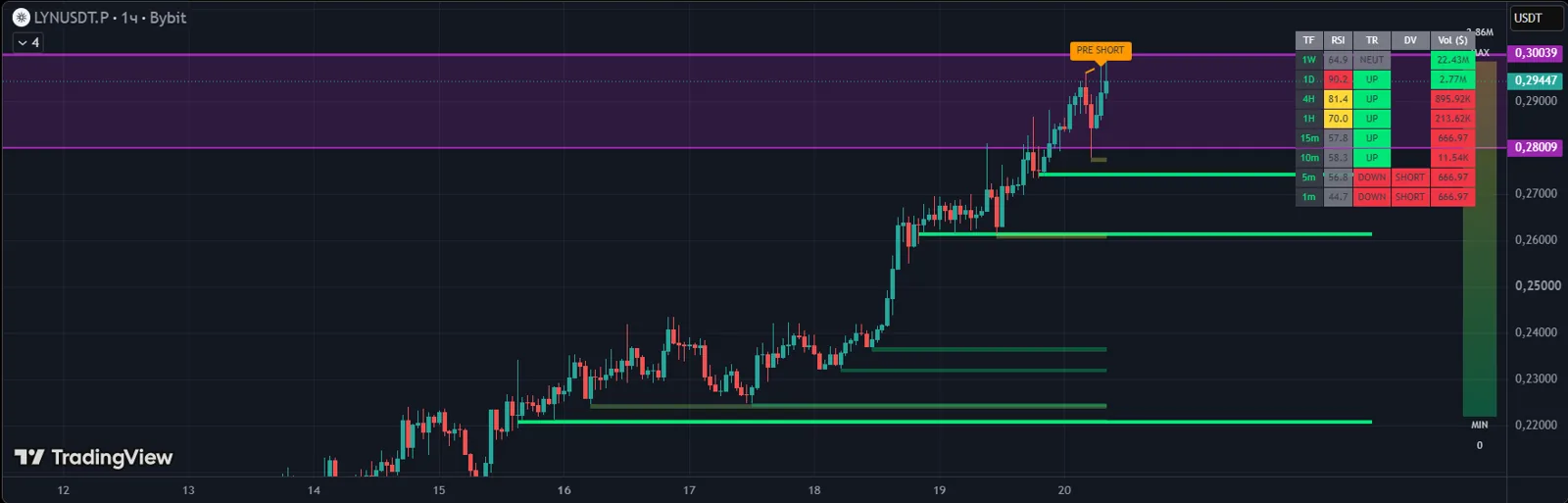
Answers the question
«The coin is already up 15% — what now?»
A specialized tool for experienced traders.
How it helps
- Targets and key zones after an impulse
- Where the move may continue
- Fewer emotional chase entries
Included in plans
Works well with
How to get it
- 1Get access in your UpDown dashboard — the indicator alone or as part of a plan.
- 2Under "My Access", add your TradingView username. Our team enables access manually, usually within an hour.
- 3In TradingView, open "Indicators" → "Invite-only scripts" and add the indicator to your chart.
An indicator is an analysis tool, not a trade signal. The decision to enter is always the trader's.