UpDown Fib Pro
Sergey SKTRADE's Fibonacci system
Built on Sergey SKTRADE's method. It draws the key FIB areas automatically, marks entry, stop and targets, and flags when price approaches an important level.
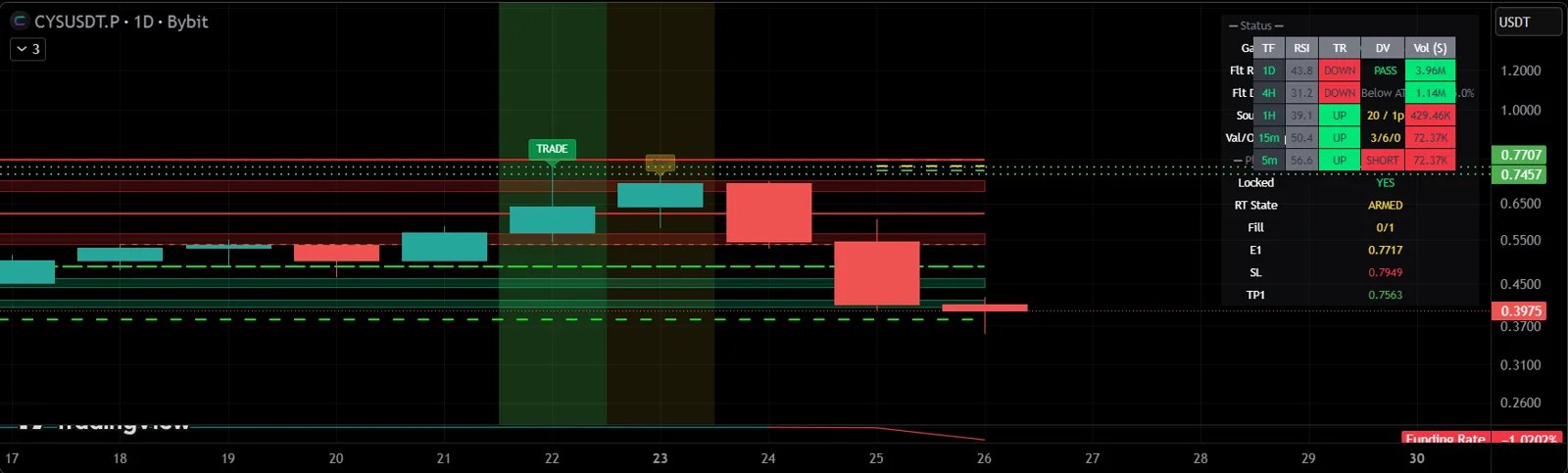
Answers the question
«Price has reached a key area — where do I look for confirmation?»
Especially strong together with Sergey's training and Market Radar Pro.
How it helps
- Less manual drawing
- Key FIB areas are never missed
- Entry, stop and targets right on the chart
- The SK Trade method applied consistently
How to get it
- 1Get access in your UpDown dashboard — the indicator alone or as part of a plan.
- 2Under "My Access", add your TradingView username. Our team enables access manually, usually within an hour.
- 3In TradingView, open "Indicators" → "Invite-only scripts" and add the indicator to your chart.
An indicator is an analysis tool, not a trade signal. The decision to enter is always the trader's.