UpDown Strong Levels Finder
Strong levels from price history
Finds the levels price has already reacted to and updates them automatically as new data comes in.
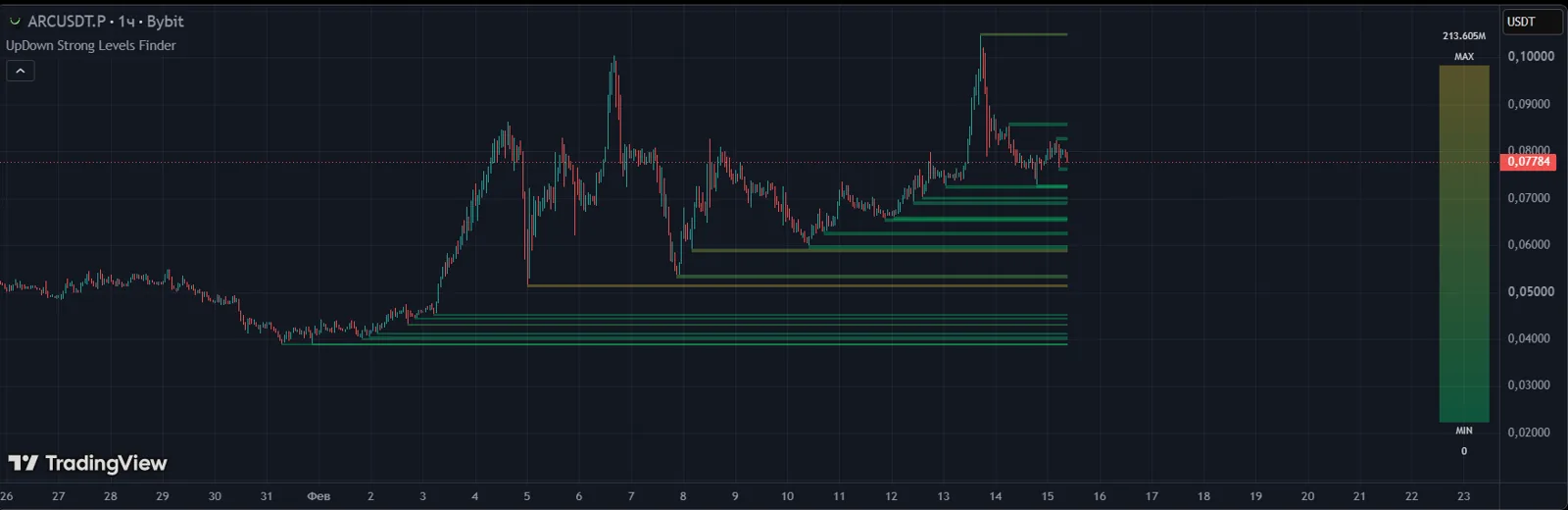
Answers the question
«Which levels does the market really respect?»
A core tool for building a trade scenario.
How it helps
- Strong levels from price history
- Automatic level updates
- Fewer unnecessary lines on the chart
How to get it
- 1Get access in your UpDown dashboard — the indicator alone or as part of a plan.
- 2Under "My Access", add your TradingView username. Our team enables access manually, usually within an hour.
- 3In TradingView, open "Indicators" → "Invite-only scripts" and add the indicator to your chart.
An indicator is an analysis tool, not a trade signal. The decision to enter is always the trader's.